
Your guide to getting paid.
Everything from finding your first campaign to your first cashout, in four simple steps. No followers, no auditions, no fluff.
Madcat jr
Creator
|
Set up your profile
Two things unlock the Apply button: a sample clip and a payout method. About two minutes, done once.
- Add an intro clip plus gameplay previews (landscape and portrait). Short, around 10 seconds. Brands skim these first.
- Pick a payout method: Stripe, PayPal, or bank wire.
- Until both are set, Apply stays greyed out.
Tip. A clean, well-lit profile photo noticeably lifts your acceptance rate.
MADCAT MEGA MASTER
Earn
$150
Apply to a campaign
Your feed is full of open gigs from real studios. Find one that fits and apply in a tap. No cover letter.
- Browse and select a campaign.
- Read the requirements and hit apply.
- You may apply to 2 campaigns a week (8 a month). Your slot comes back if you get rejected.
Tip. Brands pick from your profile, so keep your sample clips sharp.
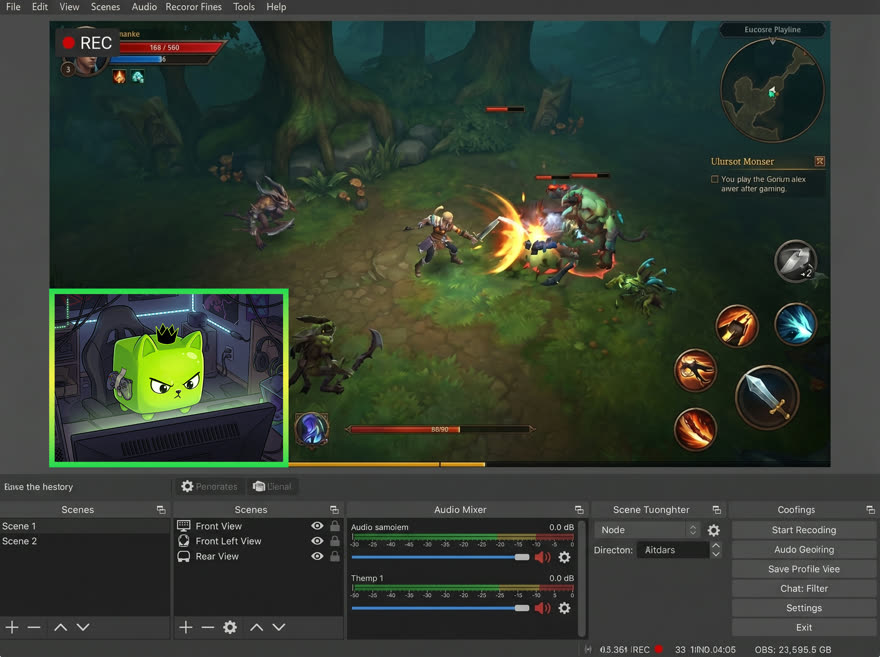
Create content
Got picked? Read the brief, film the video, and submit it here on Madcat.
- Read the brief carefully before you start filming.
- Submit and adjust based on feedback.
- Once approved, your work is done!
Tip. Hook them in the first two seconds. Talk like you’re showing a friend.
Withdraw
Available $500.00
Amount
Pay to
Cash out
Once your video’s approved, the money’s yours. You keep 100% of the rate, always.
- See Lifetime earned, Pending, and Paid out at a glance.
- Cash out anytime to your preferred method.
- The payout you see on the brief is the payout you get.
That’s the whole loop. Go get your first gig.
Pick a campaign, hit the brief, submit, get paid. Then do it again.